Zapier
Zapier is the engine behind the worlds most automated newsletters. Learn how to use its 2026 AI Orchestration to put your growth on autopilot.
WebsiteLast updated: Feb 1, 2026
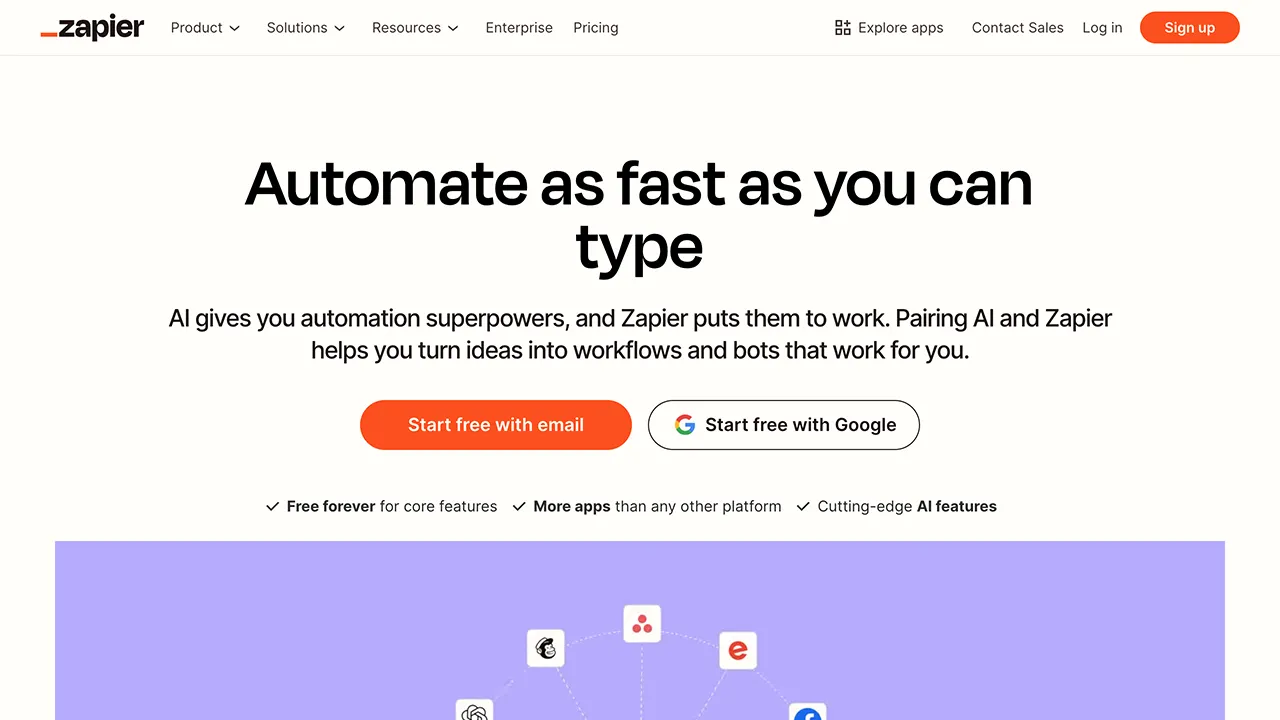
In the early days of your newsletter, you can handle everything manually. You copy-paste names into your list, you manually share links on Twitter, and you check your analytics one site at a time. But as you scale, these repetitive tasks become a “success tax” that steals time from your actual writing. Zapier is the tool that eliminates that tax.
In 2026, Zapier has evolved from a simple “if this, then that” connector into a full-scale AI Orchestration platform. For newsletter operators, it is the invisible glue that connects your email service provider to every other tool in your stack, from your CRM to your AI writing assistants.
What is Zapier?
Zapier is an automation platform that allows you to connect over 8,000 different apps. It works through “Zaps” — automated workflows that consist of a Trigger (something happens in App A) and one or more Actions (do something in App B, C, and D).
What makes Zapier unique in 2026 is its deep integration with Artificial Intelligence. It doesn’t just move data anymore; it can think, summarize, and make decisions within your workflows.
Essential Newsletter Zaps for 2026
1. The Multi-Channel Growth Engine
When someone signs up on Beehiiv or Substack, Zapier can send Slack alerts, back up to Google Sheets, and trigger welcome DMs on X or LinkedIn.
2. AI-Powered Content Curation
Save a link → AI summarizes it → draft lands in MailerLite or Kit (formerly ConvertKit).
3. Automated Sponsorship Management
New Passionfroot or Gumroad booking → calendar event → Trello task → sponsor onboarding email.
4. Smart List Hygiene
Tag inactive subscribers after 90 days and trigger a re-engagement sequence to protect your open rate.
Zapier vs. The Competition
- Zapier vs. Make: Make is cheaper for high-volume, complex workflows with loops and data transforms. Zapier is easier to learn and has the larger app directory.
- Zapier vs. Beehiiv native automations: Beehiiv handles growth inside one dashboard. Zapier connects your entire stack across any ESP.
Final Verdict
Zapier is the “brain” of your newsletter operations. While your ESP handles the delivery, Zapier handles the strategy. In 2026, being a great writer is only half the battle; being a great operator is what allows you to scale. Zapier is the single most powerful tool for turning your newsletter from a hobby into an automated business.
Automate your newsletter growth with Zapier for free →
View all featuresCategories:
Topics:

Latest tools
View all →
Beehiiv
FeaturedBeehiiv is a powerful, all-in-one newsletter platform designed specifically for growth-minded creators. Explore our deep dive into Beehiiv features, pricing, and monetization options for 2026.
#email platforms

Buttondown
Buttondown is a privacy-first, indie newsletter platform with markdown editing, pay-as-you-grow pricing, and à la carte features for writers who want email without bloat.
#email platforms

Framer
FeaturedFramer is a design-first website builder for newsletter creators who want polished landing pages, CMS-powered sites, and AI-assisted publishing without writing code.
#websites
Latest posts
View all →Jul 17, 2026
Beehiiv Summer Release 2026: Everything You Need to Know
May 12, 2026
What's a Good Open Rate for a Newsletter in 2026? (Honest Benchmarks)
May 7, 2026
Beehiiv Boosts Explained: How It Works, What It Costs, and When It's Worth It
May 5, 2026
How to Set Up a Referral Program in Beehiiv (Step-by-Step, 2026)
May 3, 2026
How to Start a Newsletter in 2026 When You Have Zero Audience